
DRIFTZONE
Solo careerRacing
Solo run New
Difficulty settings change the demands of a game, so start by deciding what you need more time to learn. A forgiving setting can help with aiming or an unfamiliar driving route. The names differ between NoChill games; read the description beside the selection before starting an attempt.
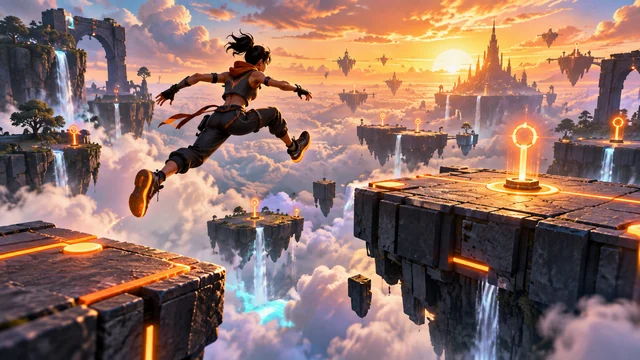


Obby Blitz’s Easy setting begins with five hearts and allows more reaction time. Its menu tracks unlocked chapters for the chosen difficulty, so check that selection when looking for your next level. Drift Zone’s Rookie setting gives more event time and lower scoring targets than Street. Pro tightens those conditions and makes the AI opposition harder to beat.
Sky Rush starts with Ace, its middle setting. Rookie is the easier option and reduces incoming damage and enemy speed, giving you more room to learn the two-stick or keyboard-and-mouse setup. Legend raises the challenge further. Check the selected setting before starting a mission.
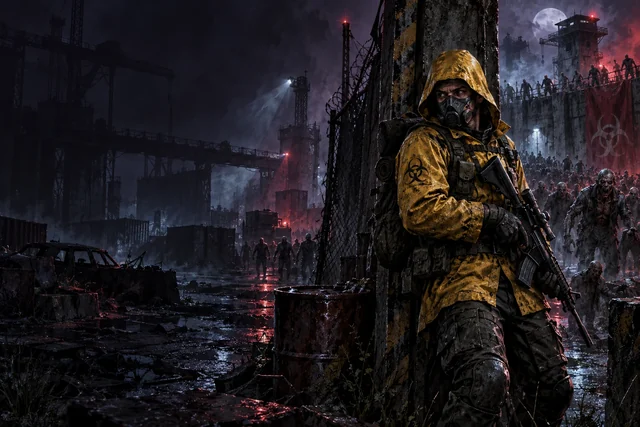
Zombie Arena’s Casual reduces enemy health and numbers compared with Survivor. Nightmare increases those demands and incoming damage. Think about what is causing trouble. You may need more room to practice aiming, or you may be getting trapped as the arena fills.
Rift Escape uses Standard and Explorer settings. Explorer begins with 140 health instead of 100 and reduces damage. You still need to complete the mission objective and reach extraction. Learning a rescue route at this setting can help you understand where captives and cover are located before another attempt. Extra mission stars can be earned on separate runs, leaving room to revisit a level for a particular objective.